Why Timer-Based Teleprompters Are Killing Your Takes
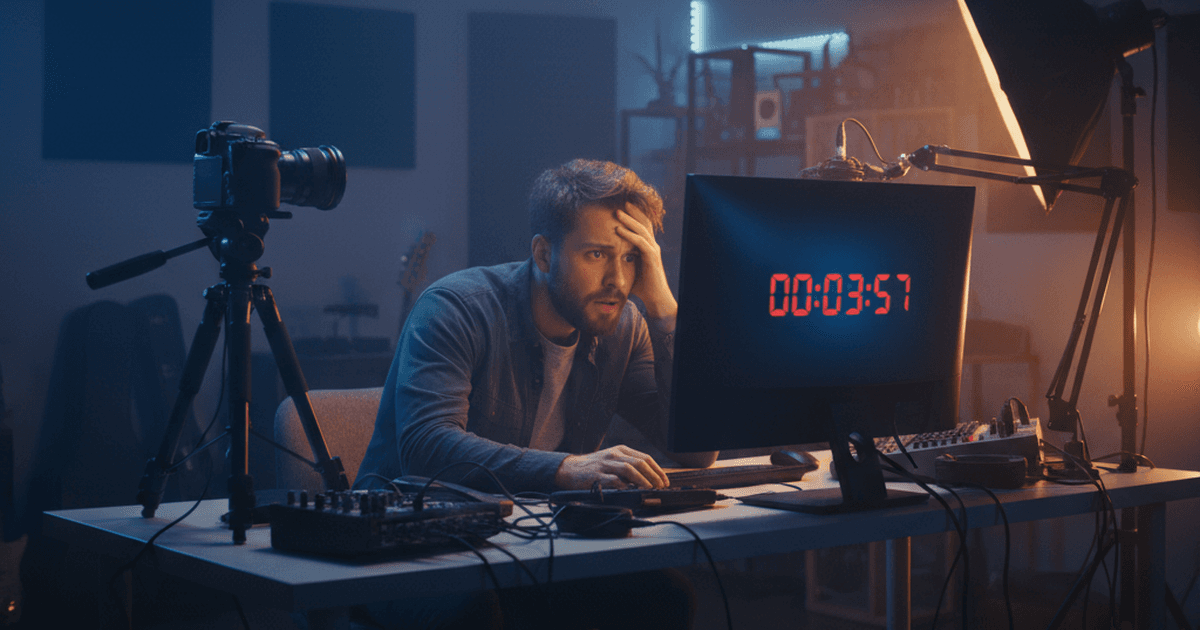
You wrote a great script. You know your material. You hit record, the text starts scrolling, and within thirty seconds something feels off.
You're rushing to keep up. Or you're slowing down awkwardly because the words haven't caught up to where you're looking. Either way, you don't sound like yourself.
This isn't a practice problem. If you're using a timer teleprompter with fixed scroll speed, the tool itself is working against you.
The timer trap
Most teleprompter apps work the same way. You set a scroll speed — usually words per minute or a generic "slow to fast" slider — and the text moves at that constant rate from the moment you press play.
The assumption is simple: you'll speak at a steady, predictable pace. But that's not how people actually talk.
You slow down when you're explaining something technical. You pause when a point needs to land. You speed up when a story picks up steam. That variation is what makes you sound like a person talking, not a person reading.
A fixed-speed teleprompter ignores all of it.
What actually goes wrong
Here's what happens in practice when you use a timer-based scroll:
1. You match the machine instead of your audience
Your brain starts optimizing for the scroll speed instead of the message. You unconsciously adjust your pacing to stay aligned with the moving text, and your delivery flattens out. The audience hears someone reading, not someone talking to them.
2. The pause problem
Every good speaker pauses. For emphasis. For a breath. To let a point land.
With a fixed-speed teleprompter, when you pause the text keeps moving. Now you've lost your place. You either skip ahead to catch up — dropping words you planned to say — or you fumble through the transition while your eyes scan for where you were.
Both kill the take.
3. The speed guessing game
Before each recording, you have to guess what speed feels right. Too slow and you're waiting for the text, filling dead air with "um" and "uh." Too fast and you're racing to keep up. The right speed depends on the content, your energy level, and how well you know the material. It changes sentence to sentence, and a single slider can't account for that.
4. More takes, more frustration
When the teleprompter scroll speed doesn't match your natural rhythm, you stop and restart. A lot. What should be a two-take recording turns into eight. By take five you're tired, your energy drops, and the later takes are worse than the first one.
The three scroll modes
Not all teleprompters work the same way. Understanding the options helps you pick the right tool.
Fixed speed (timer-based)
The text scrolls at a constant rate you set before recording. This is the default in most apps including BIGVU, CuePrompter, and most free teleprompters.
Works for: Short, rehearsed scripts where you've practiced at a specific tempo. News anchors and professional broadcasters use this because they train for consistent pacing.
Breaks down when: You're a solo creator filming yourself, improvising around bullet points, or delivering longer content where your pace naturally varies.
Remote control (manual)
You control scroll speed in real time with a foot pedal, keyboard shortcut, or a second person operating the software. Speakflow and some studio teleprompter setups offer this.
This works if you have someone running the software for you, or if you're comfortable with a foot pedal. If you're recording solo, though, it splits your attention. Part of your brain is always on the pedal instead of your delivery.
Voice-activated (speech-paced)
The teleprompter listens to your voice and scrolls at your actual speaking pace. If you pause, the text pauses. If you speed up, it keeps up. PromptSmart was one of the first to do this with VoiceTrack on mobile. A few browser-based tools have added it since.
Works for: Solo creators, anyone who improvises or pauses naturally, and longer recordings where pace varies.
Limitations: Needs microphone access and a reasonably quiet room. Very heavy accents or extremely fast speech can throw off recognition. It's gotten a lot better in recent years, though — most people in a home studio won't have issues.
What changes when the text follows you
The difference is obvious the first time you try it. Your brain stops tracking the scroll position and starts focusing on what you're actually saying. You talk to the camera instead of chasing words across a screen.
Your pauses come back, too. You can stop for a breath or let a point sit without the text running away from you. That alone kills most "where was I?" retakes.
And you just do fewer takes overall. When you're not fighting the scroll speed, more recordings land on the first or second try.
What to look for in a voice-activated teleprompter
If you're looking at voice-activated options, a few things matter:
How accurate is the speech tracking? Try it with your actual speaking style, not just a clean read-through.
Check whether it works in the browser, too — if you film at a desk, a browser-based tool saves you from app installs and phone mounts. Test it in your real recording space. Some tools struggle with background noise from fans or AC.
And if you record often, you want something that keeps your scripts organized, not just something that scrolls them.
BirdCue is one option here. It runs entirely in the browser, uses speech-paced scrolling that follows your natural delivery, and includes features like bullet point tracking for creators who prefer to work from outlines rather than full scripts. It's free to start with, and you can try it at birdcue.com.
Stop blaming yourself for stiff delivery
If your takes keep coming out flat, it might not be a "you" problem. Check your scroll mode. A tool that forces you to match a fixed speed is fighting the way you naturally talk.
A teleprompter should free you from memorizing your script. It shouldn't replace that problem with a new one. When the text follows your voice instead of the other way around, you sound like yourself again.
Want more teleprompter tips? Read about how to read a script on camera without sounding robotic and what an AI director does for solo creators.