5 Teleprompter Mistakes That Make You Look Like You're Reading
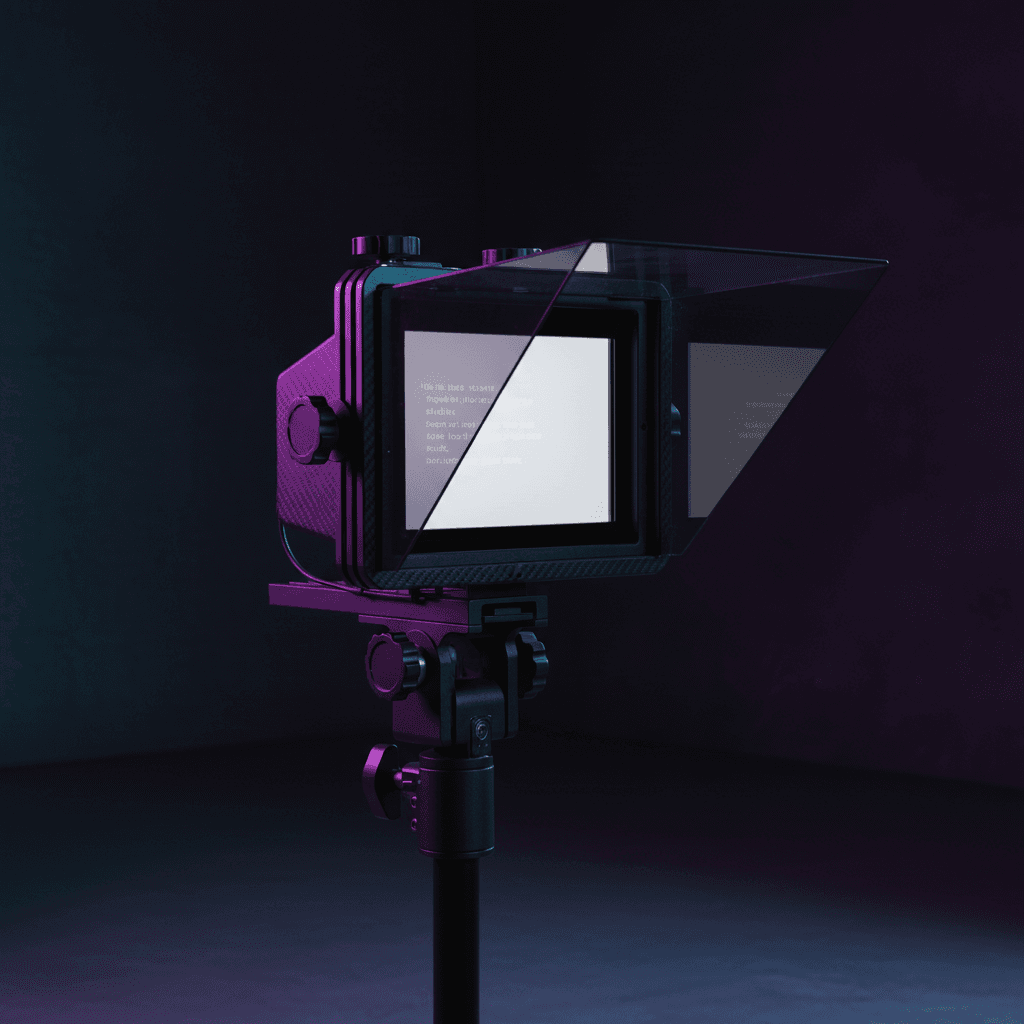
Your audience can always tell.
Maybe they can't explain exactly what feels off, but something about the video makes them click away. Your eyes move in a pattern that doesn't look natural. Your voice flattens out. The pauses land in weird places.
You're reading, and it shows.
The good news: this isn't a talent problem. Almost every creator who uses a teleprompter makes the same handful of mistakes. They're all fixable, most of them in a single recording session. These teleprompter tips will help you sound natural on camera -- whether you're filming YouTube videos, online courses, or corporate presentations.
Mistake 1: Writing a script instead of writing speech
You sound polished but robotic. Every sentence is grammatically perfect. Nobody talks like that.
This happens because you write the way you were taught in school -- complete sentences, proper structure, clear paragraphs. That works on a page. It dies on camera.
Write the way you actually talk. Record yourself explaining the topic to a friend without any notes, then transcribe that. Use contractions. Start sentences with "and" or "but." Leave in the fragments.
We wrote a full guide on writing video scripts that sound natural if you want to go deeper, but here's the short version:
Compare these:
Written: "It is important to note that the positioning of your teleprompter can significantly impact how natural you appear to your audience."
Spoken: "Where you put the teleprompter matters more than you think. Get it wrong and you look like you're reading a speech at a funeral."
The second version is easier to deliver because it was never meant to be read -- it was meant to be said.
Quick test: read your script out loud before you record. If any sentence makes you stumble or sounds like something you'd never say in conversation, rewrite it.
Mistake 2: Staring at the text instead of the lens
Your eyes are locked in one spot, moving left to right in a visible scanning pattern. You're making "eye contact" with the teleprompter, not the camera.
The text is right there and you're afraid of losing your place. So your eyes stay glued to it, tracking every word.
Here's the thing: you don't need to read every single word. A teleprompter is a safety net, not a karaoke machine.
Glance at the text to grab the next idea, then look at the lens and deliver it in your own words. Your script becomes a series of prompts rather than a word-for-word transcript.
This works especially well if your script uses bullet points or short phrases rather than dense paragraphs. You grab the bullet, you look up, you say it.
One practical tip: position the teleprompter as close to the camera lens as physically possible. The closer it is, the less your eye movement shows. If your setup has the text more than a few inches from the lens, your audience will notice.
If you're using an iPad or tablet as your teleprompter, mount it directly behind your camera or use a teleprompter rig that places the screen right in front of the lens. Laptop-based setups are trickier -- you'll need the webcam positioned at the top of the screen with your script scrolling right below it. We covered more positioning options in our teleprompter setup guide.
Mistake 3: Using the wrong scroll speed
You're rushing through sentences to keep up with the text, or you're awkwardly pausing and waiting for the next line to appear. The pacing feels uneven and your audience picks up on it.
Most teleprompter apps use a fixed timer. You set a scroll speed before recording, then the text moves at that constant rate regardless of what you're doing. But you don't speak at a constant rate -- most people average somewhere around 130-150 words per minute, and even that varies wildly within a single take. You pause for emphasis. You speed up when excited. You slow down when explaining something tricky.
A timer doesn't care about any of that.
If you're stuck with a timer-based prompter, do a practice run first. Set the speed to match your natural pace for the bulk of the script, and mark sections where you know you'll speed up or slow down. Some people insert extra blank lines to create visual breathing room.
The real fix is a teleprompter with voice tracking. Instead of you chasing the text, the text follows you. It listens to what you're saying and scrolls to keep up. Pause, and it pauses. Speed up, and it follows.
BirdCue uses speech recognition to track your voice in real time and scrolls the script to match your pace. It's not the only tool that does this -- PromptSmart also offers voice-activated scrolling in its mobile app -- but it eliminates the scroll speed problem entirely.
Mistake 4: Never looking away from the script
Perfect eye contact with the camera... that feels weirdly intense. You deliver the entire video without ever breaking your gaze. Honestly, it looks like a hostage video.
Eye contact isn't actually the goal. Connection is. Watch any good conversation -- people glance to the side when thinking, look down when transitioning between ideas. That's normal.
So plan your breaks. At the end of each section or idea, look away briefly -- as if you're collecting your next thought. After finishing a main point, look to the side. Between sections, glance down and then back. When you're laughing or reacting, let your eyes do what they'd naturally do.
These micro-breaks make the difference between "talking to someone" and "reading at someone."
Mistake 5: Ignoring your energy and delivery
The words are right but the delivery is flat. You sound like you're reading the news rather than having a conversation. Your energy is consistent -- consistently low.
When your brain is focused on reading, everything else drops away. Facial expressions, hand gestures, vocal variety, pacing -- they all go flat because all your attention is on tracking text.
Record yourself twice. The first take is your "reading" take -- just get the words right. The second take is your "performance" take -- you already know the content, so now focus entirely on energy and delivery.
The second take is almost always dramatically better because you're not processing the script for the first time.
Other things that help:
- Stand up. Standing naturally increases your energy. Sitting tends to flatten your voice.
- Gesture, even if your hands are off camera. It adds natural inflection you can hear in your voice.
- Mark your script with delivery cues. Bold the words you want to emphasize. Add [PAUSE] where you want a beat. Give your future self something to work with.
- Rehearse the opener. Your first 10 seconds set the energy for the whole video. Nail those and the rest usually follows.
BirdCue's coaching companion Robyn can also flag when your energy drops or when you've been in the same tone for too long. It's a paid feature and won't replace actual practice, but it catches things you miss when you're in the middle of a take.
What ties all of this together
All five mistakes come from the same place: treating the teleprompter as a script to be read word-for-word rather than a guide to glance at.
The creators who look most natural on camera? They barely read at all. They use the text as a loose map -- glance at it to confirm the next idea, then deliver it naturally in their own words.
That mental shift is worth more than any gear upgrade. Seriously. You could fix all five of these teleprompter mistakes in your next recording session without spending a cent.
Quick reference
| Mistake | Fix |
|---|---|
| Writing formal scripts | Write the way you talk. Record yourself explaining it first, then clean up. |
| Staring at the text | Grab the idea, look at the lens, deliver it. Use bullet points, not paragraphs. |
| Wrong scroll speed | Practice run first, or use a voice-tracking teleprompter that follows your pace. |
| Never looking away | Plan natural eye breaks between sections. Real conversation isn't constant eye contact. |
| Flat energy | Do two takes. Stand up. Gesture. Mark delivery cues in your script. |
BirdCue is a browser-based teleprompter with voice tracking and real-time delivery coaching. The core teleprompter is free. Try it here.